
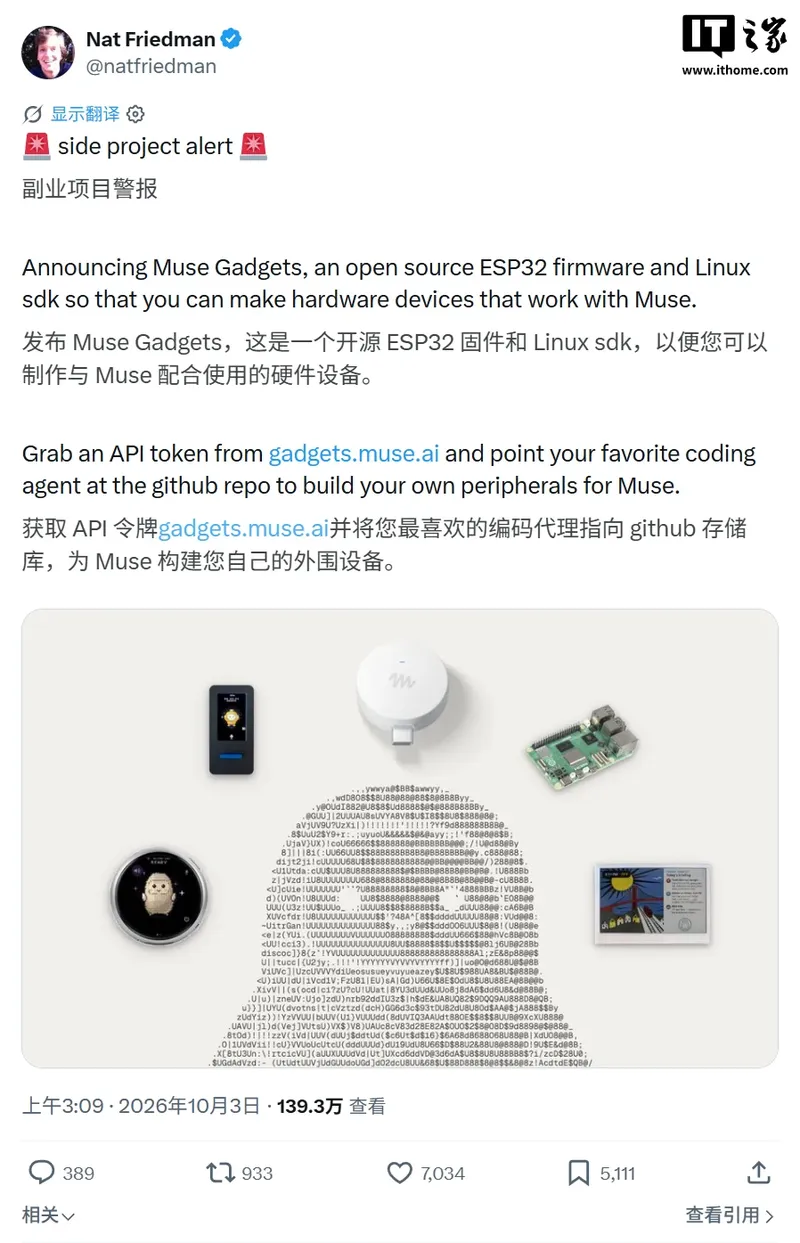
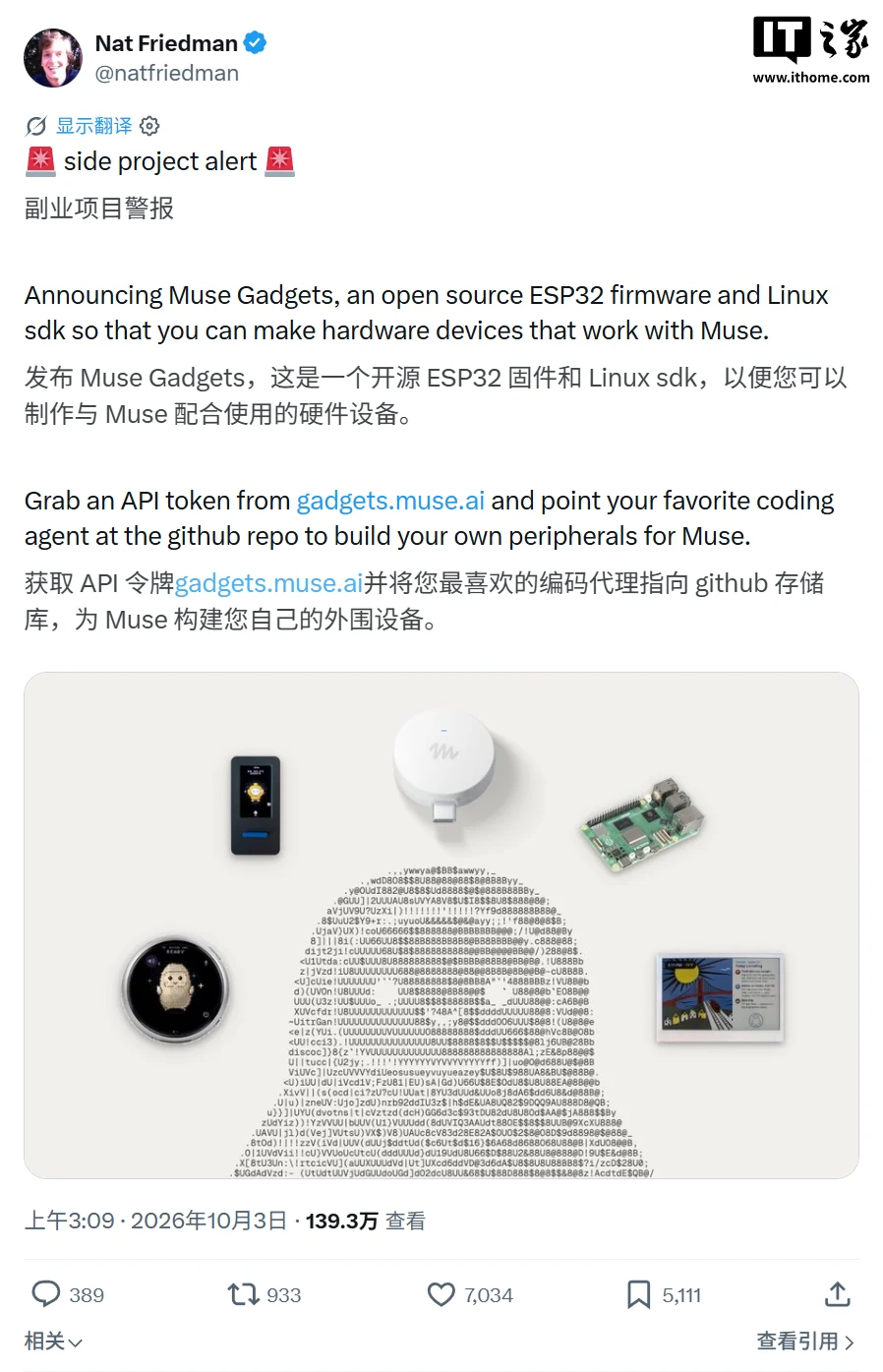
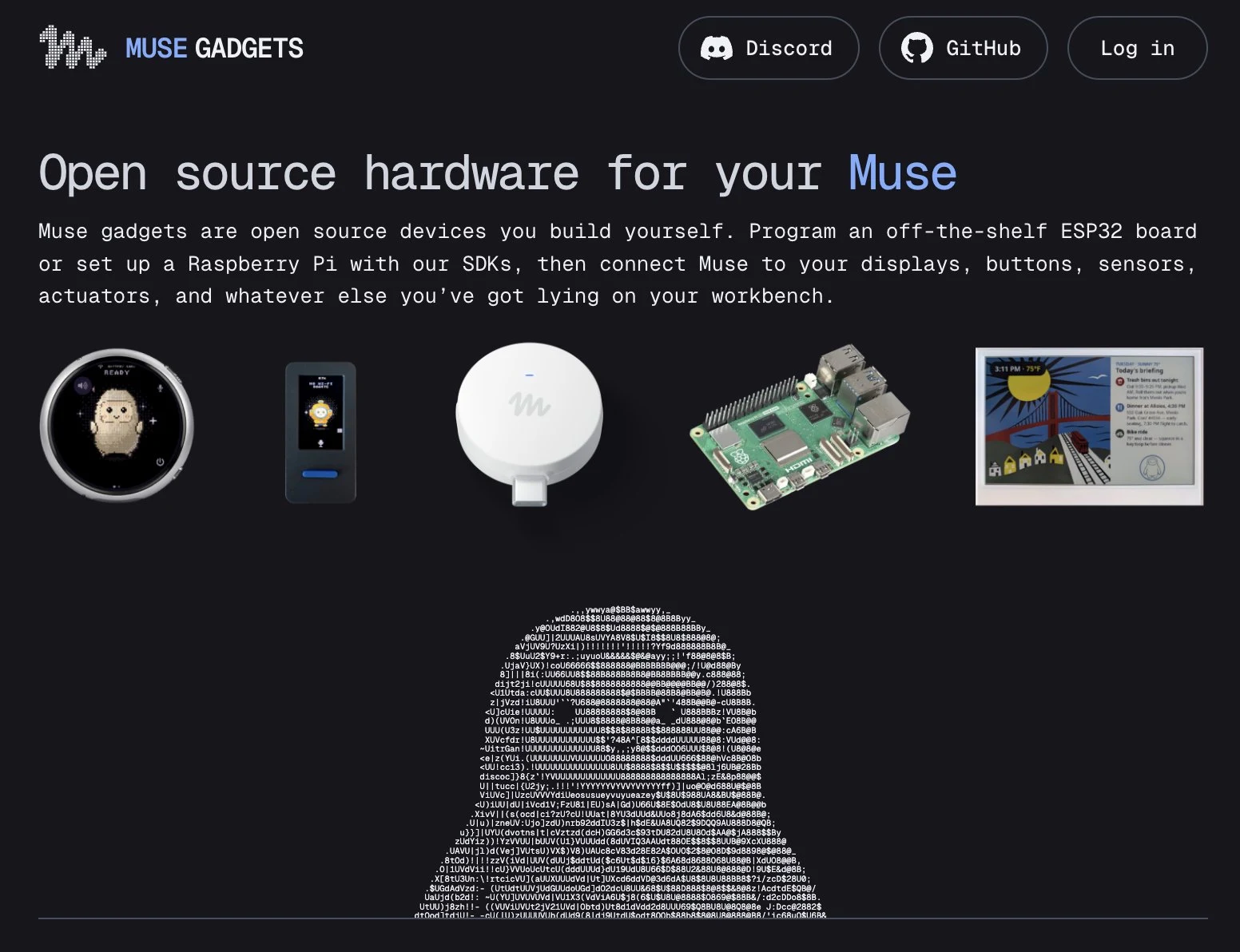
IT Home On 10/5, it was reported that Meta announced on 10/2 local time the launch of the open-source project Muse Gadgets, allowing developers to build custom hardware for its personal AI agent Muse.
Meta has also released the ESP32 firmware and Linux device SDK on GitHub under the Apache 2.0 license. Developers can connect low-cost ESP32 boards or Linux devices such as the Raspberry Pi to Muse, hooking up displays, buttons, sensors, actuators, and other networked devices on the workbench.
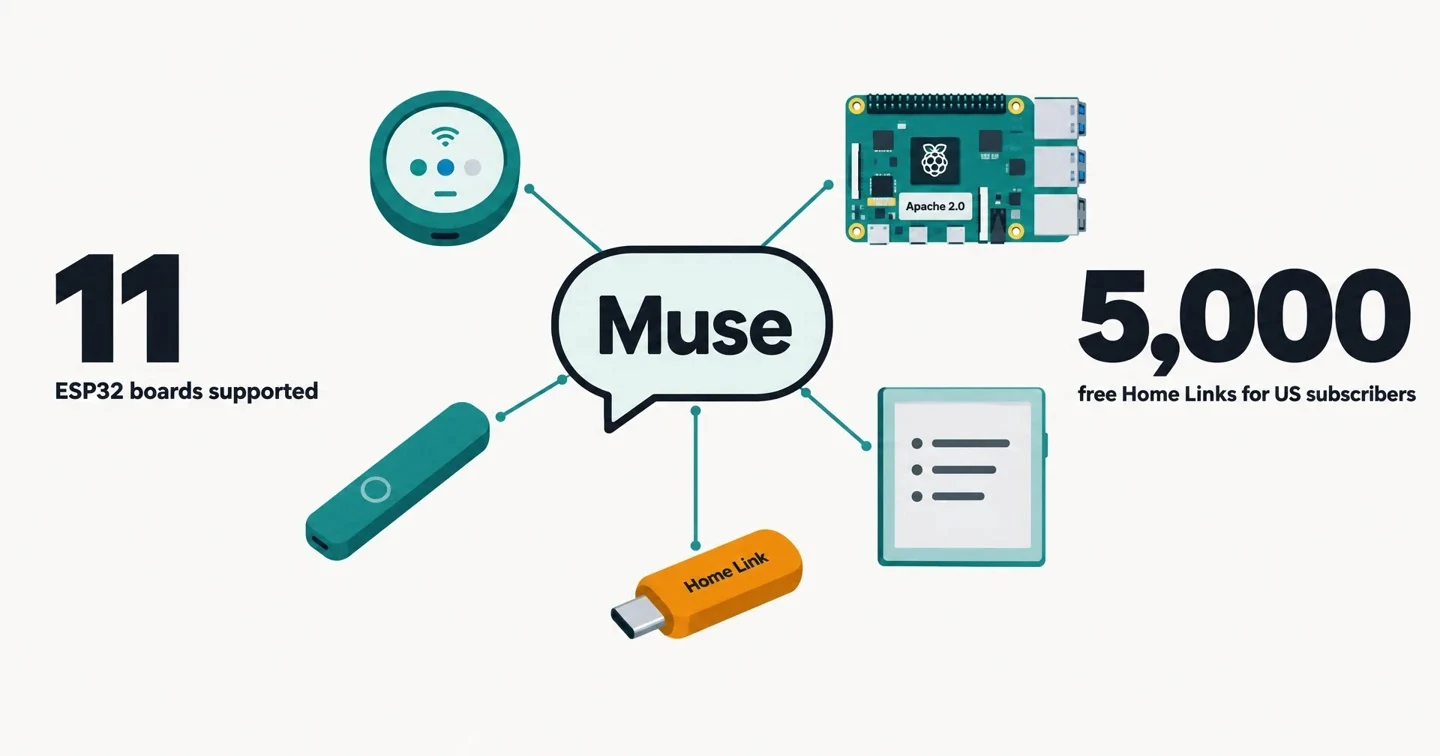
On the hardware compatibility side, the Meta ESP32 SDK documentation currently supports 11 ESP32 boards, including Espressif's ESP32-C5 DevKitC-1 (the official recommendation), M5Stack StickS3, Waveshare ESP32-S3-Touch-AMOLED-1.75C, and Seeed's e-paper display. The last six of these boards can run the full on-screen UI, including animated avatars, push-to-talk, and settings. Boards with sufficient memory also support a home network tunnel, allowing Muse to access devices users already own, as well as any self-built devices exposing local HTTP APIs.
On the Linux SDK side, Meta supports Raspberry Pi 3B+, 4, 5, and Zero 2 W, as well as other Linux devices with Bluetooth Low Energy capability, with minimum system requirements of Raspberry Pi OS Bullseye, Debian 11, and Ubuntu 22.04.
According to the Linux SDK documentation, Muse executes commands as the account chosen at installation, with all of that account's permissions — "if the account can use sudo, so can Muse."
The installer confirms before handing over account permissions and indicates whether the account has sudo privileges. Developers can also use install.sh --run-as to specify a different unprivileged account to run Muse.
On Linux devices, Muse can execute shell commands, read and write files, and check device health status; Meta's official example prompts include having Muse install Home Assistant on a Raspberry Pi, and checking every morning at 7 whether backups ran.
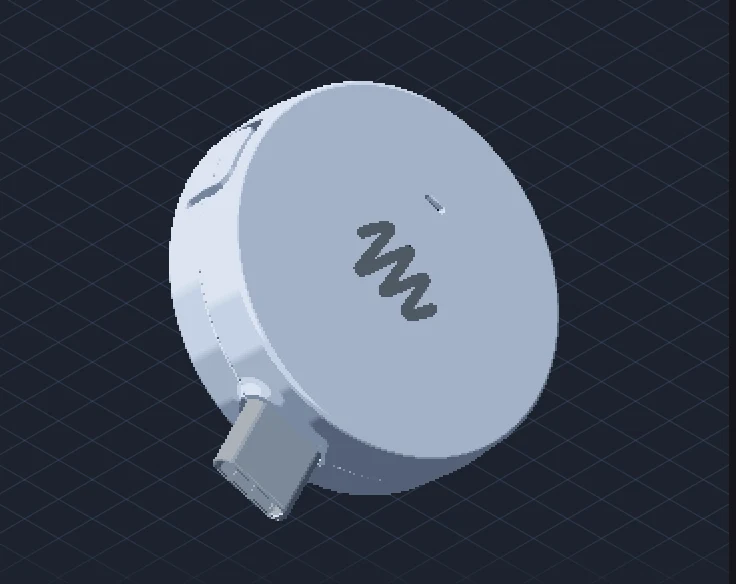
Worth mentioning is that Meta has also built a finished device based on this SDK — the Muse Home Link. According to Nat Friedman, product lead at Meta's Superintelligence Labs, it is a small USB-C-powered device that lets Muse connect to a home network and communicate with TVs, speakers, and other smart devices exposing HTTPS interfaces.
Friedman said Meta produced about 5000 units of Home Link in the first batch, offered free to Muse subscribers in the United States, one per person, first come first served.
The launch of Muse Gadgets is part of Meta's recent rapid expansion of the Muse ecosystem. According to TechCrunch, Meta earlier this week also launched Muse for Small Business, with a free tier that includes usage limits, and monthly payments of US$20 or US$100 (IT Home note: roughly 672 RMB at current exchange rates) connecting to third-party tools such as Shopify, Dropbox, Slack, Canva, Figma, and QuickBooks.
According to The Next Web, Meta has also established a new business division, Meta Enterprise Platform, led by former MongoDB CEO CJ Desai, consolidating products such as the Muse agent, Meta Business Agent, Muse API, and Muse Code to promote AI tools to enterprise customers.
From an industry perspective, Muse Gadgets marks Meta's attempt to expand Muse from a pure chatbot into an agent runtime across hardware. If third-party hardware only needs to expose standard interfaces to be understood and invoked by Muse, personal agents could in the future take on some of the roles traditionally played by operating systems, applications, and smart home hubs. However, Meta also gives a fairly candid risk warning in the SDK documentation: community pairing "has no manufacturer verification and cannot protect against active man-in-the-middle attacks," and pairing should be done on a trusted network; SDK tokens are embedded in the firmware and should be treated as identifiers rather than passwords, requiring revocation and rebuild if leaked; Wi-Fi credentials and device tokens are stored in flash, so enabling NVS encryption is strongly recommended; builds are signed with development keys, and secure boot is not enabled by default. The documentation ends with: "Side effects of tinkering may include bricking, voided warranties, voltage sag, or bankruptcy. Use at your own risk."