
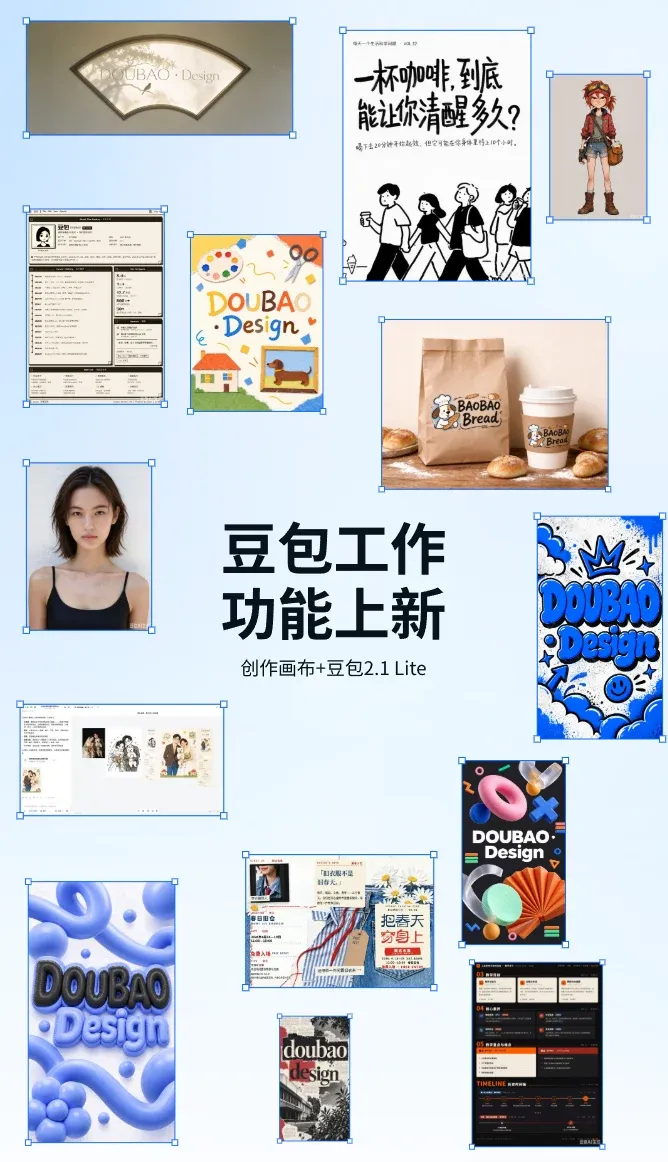
IT Home On October 9, DouBao Work announced the addition of a canvas feature in the task mode, making complex task operations easier and enhancing the interactive experience. Users can view comparisons at any time, edit and adjust quickly, and it also supports the new image model Seedream 5.0 Flash.
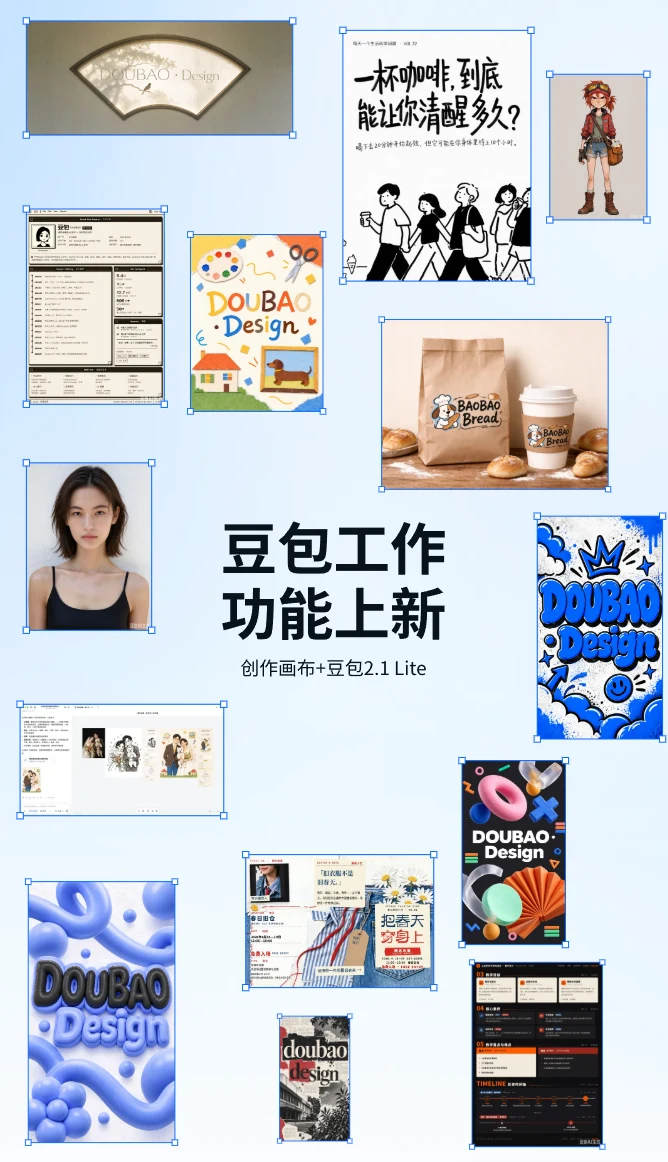
According to official announcements by IT Home, the DouBao 2.1 Lite model has been launched in DouBao Work. It saves quota and delivers faster, with superior multi-modal capabilities, which can effectively meet high-frequency scenarios such as document writing, table processing, and PPT production.
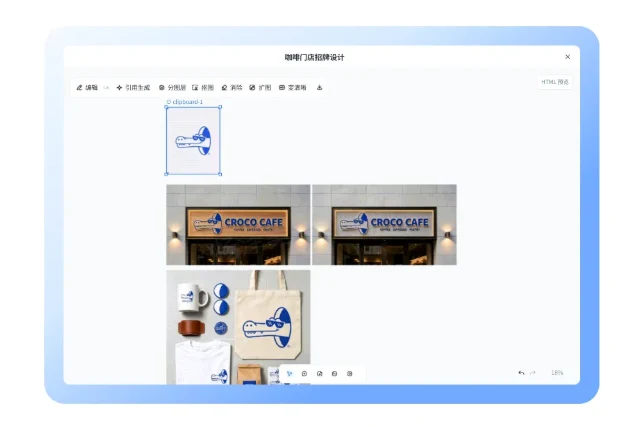
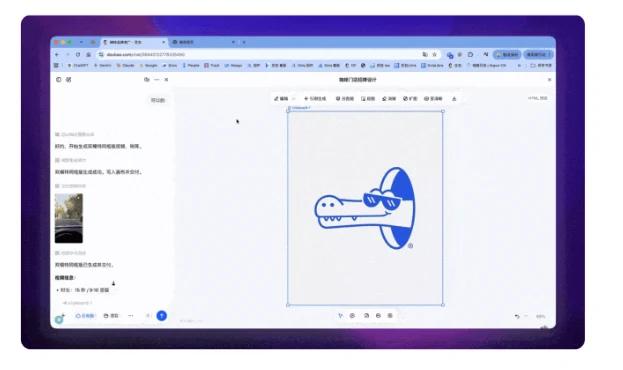
Supports unlimited canvases, allowing you to view and organize them at any time. Place materials, plans, and creative outcomes on the same canvas, then view, compare, and organize them as needed. From one idea, more possibilities can be developed.
Edit the design step by step, making complex tasks faster. After generation, continue adjusting the text, colors, and layout. From the overall style to local details, quickly achieve the effect you want.
New image model, more creative options. Supports the new image model Seedream 5.0 Flash, providing more choices for portrait creation and allowing easy exploration of different styles and visual expressions.