
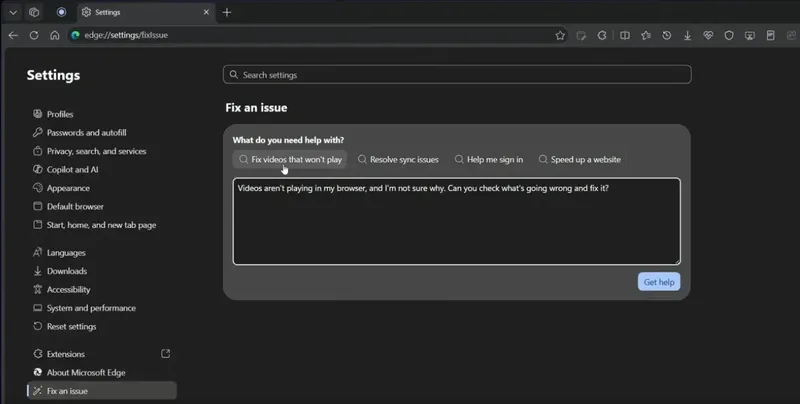
IT Home On October 12, Microsoft posted a document introducing the new AI troubleshooting feature “Fix an isuue” introduced in its Edge browser. It clarifies that this feature only collects data from users’ devices after the users actively initiate the troubleshooting process and give permission. The data collection is limited to the current session and is used solely for troubleshooting purposes.
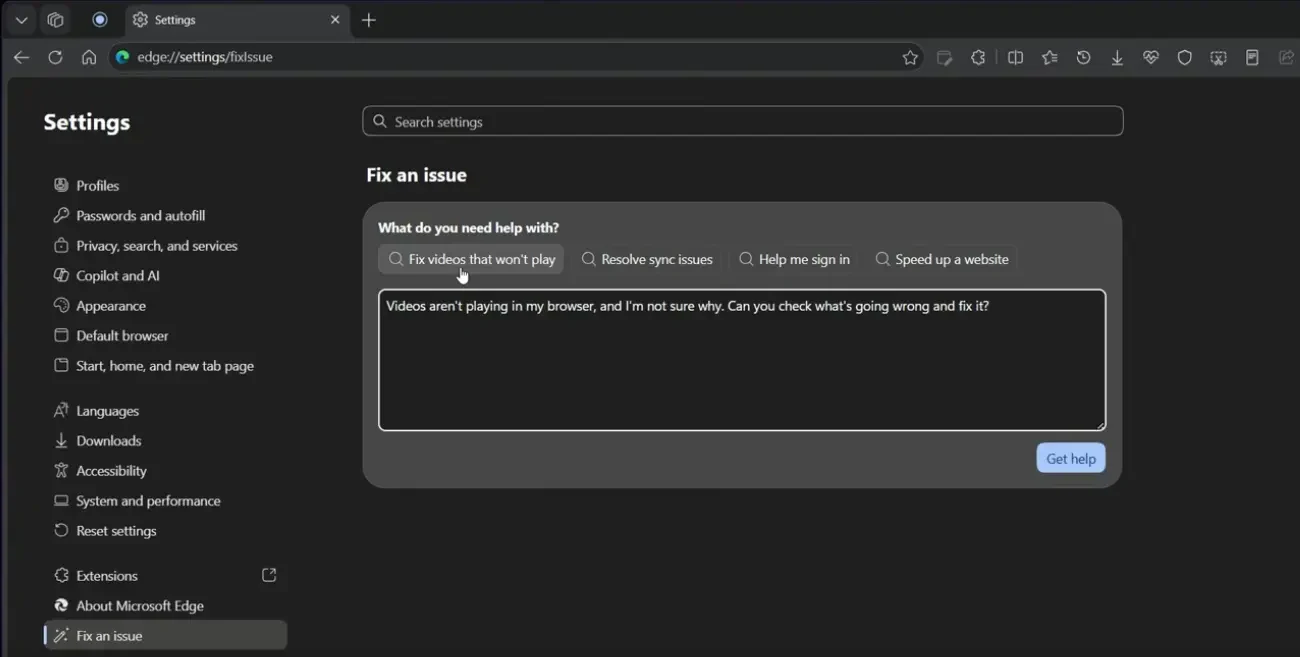
Specifically, the corresponding “fix issues” function is integrated into Edge settings. It is similar to an AI chatbot in nature. Users can choose from preset question options or input prompts themselves. The underlying AI analyzes the problems and provides explanations and suggestions.
According to the Microsoft support documentation, Edge can only collect optional diagnostic data and status information about current browser settings after the user explicitly initiates troubleshooting and gives consent. This is done to provide explanations and recommendations for the specific issues the user encounters. If the user refuses to give consent, the browser will not collect the aforementioned optional data for this experience.
Microsoft emphasizes that data collection only occurs during user-initiated troubleshooting sessions, and does not take place continuously in the background. The tool interface provides a series of explanations, describing what data Microsoft collects and when this data is used, to help users understand the authorization details.
At the same time, Microsoft also acknowledges that AI-generated responses may occasionally be inaccurate or incomplete, and not all issues can be resolved through automatic diagnosis. When facing complex problems, users may still need to troubleshoot manually or seek other technical support.