
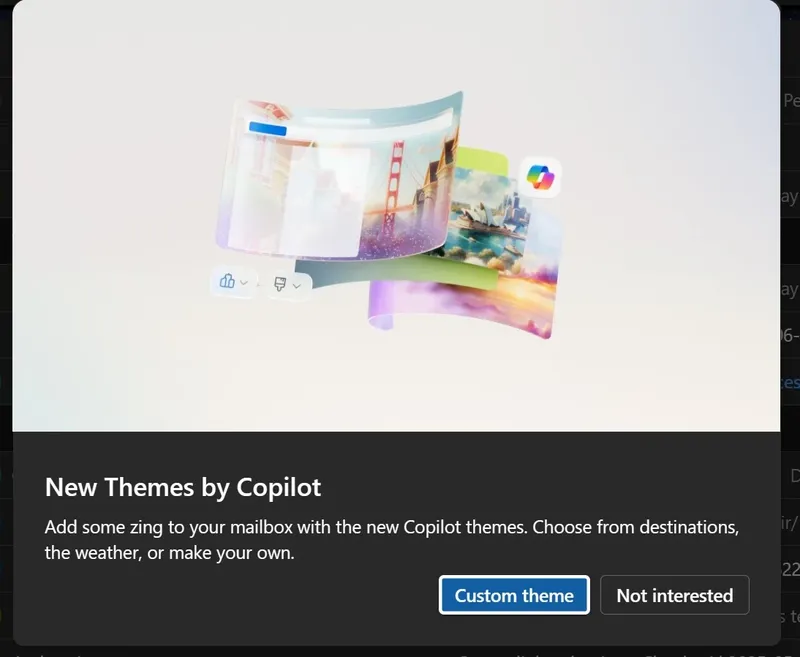
IT Home reported on October 13 that tech media Windows Latest published a blog post today (October 13),The blog post reports that Microsoft will globally discontinue the Copilot themes feature in Microsoft Outlook in mid-to-late month 10 of 2026,covering the new Outlook for macOS and Windows, as well as the web version Outlook.com.
According to the blog post cited by IT Home, Copilot themes is an AI interface customization feature Microsoft introduced for the new Outlook, allowing users to have Copilot generate themes based on prompts to change the visual style of the Outlook interface.
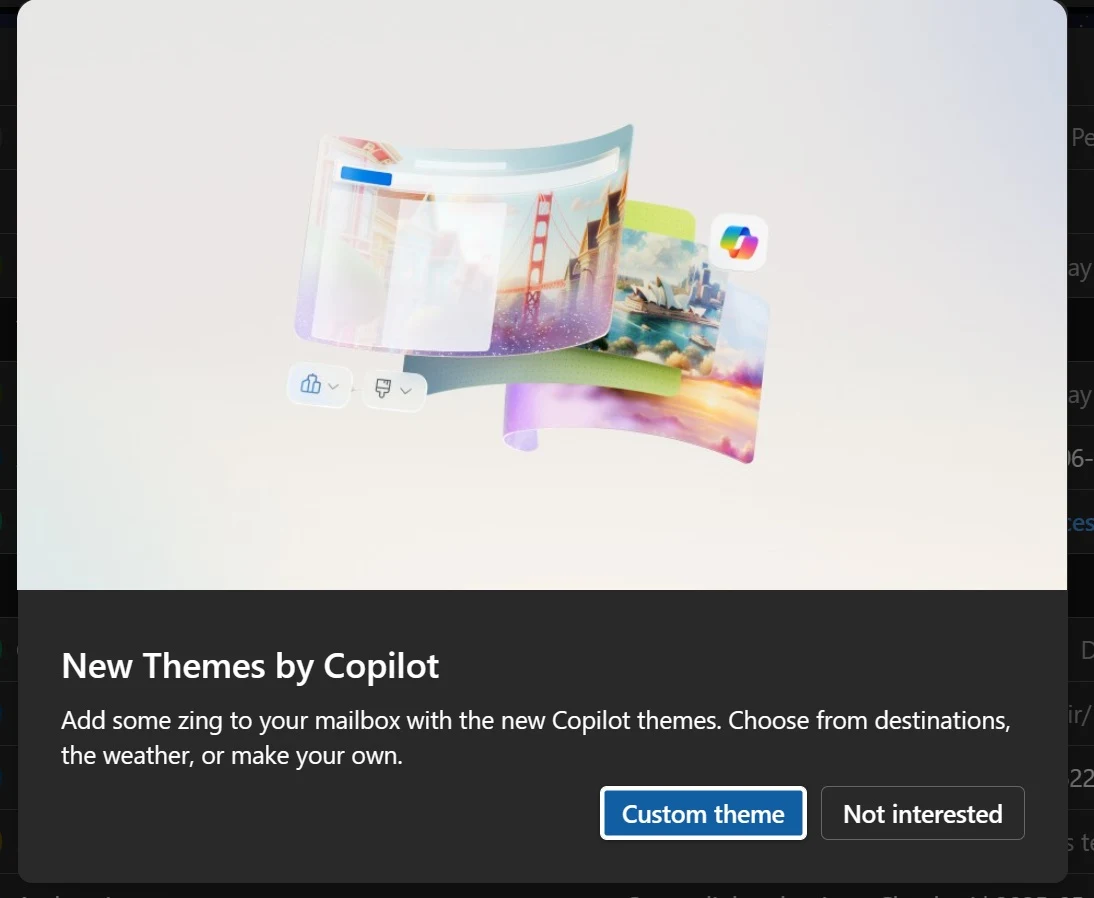
After selecting the Copilot themes entry in Outlook, users can enter a description or choose a preset direction, and Copilot will generate a corresponding theme. Once generated, the theme is applied to the Outlook interface.
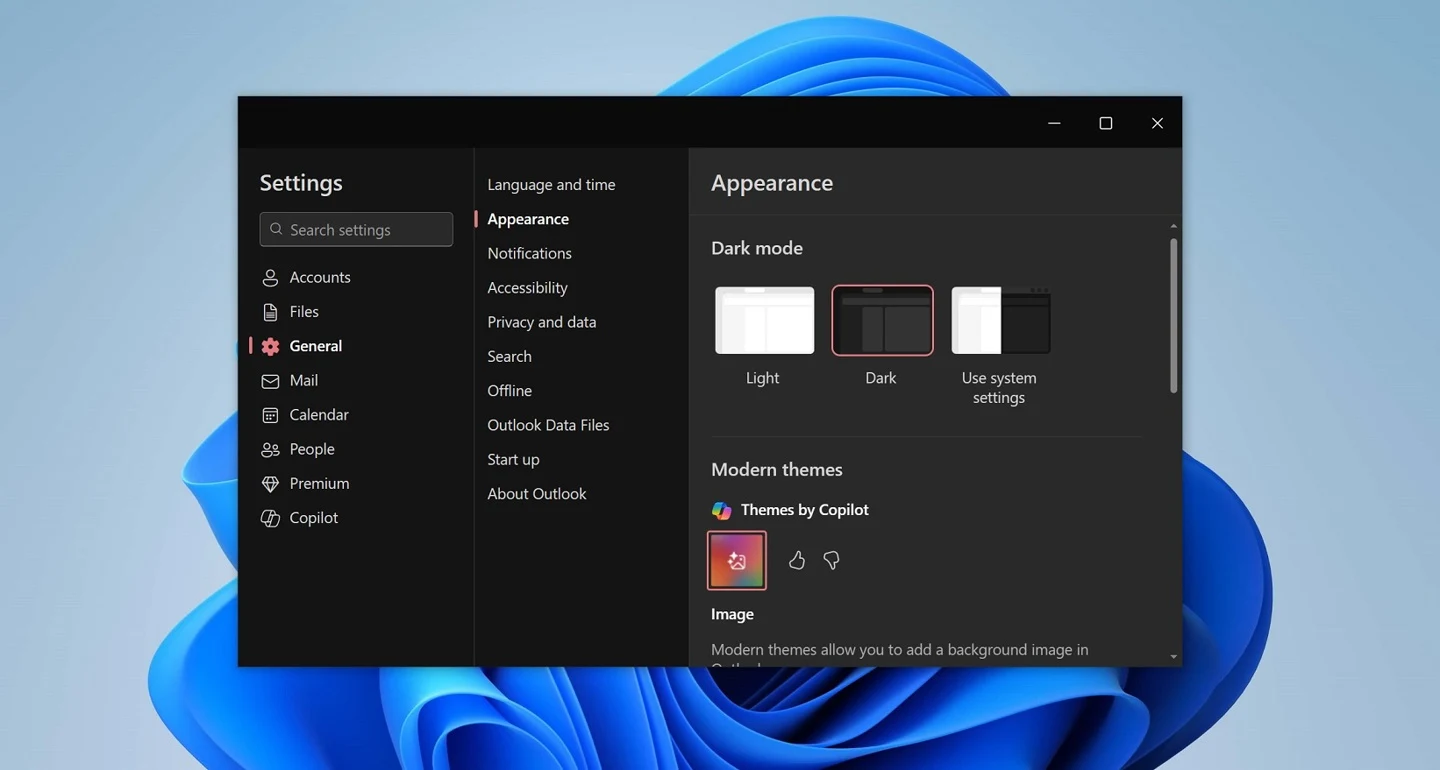
This feature was launched as an important update for the new Outlook on Windows 10、Windows 11 This feature was launched as an important update for the new Outlook on Windows 10 and Windows 11; the media speculates that the number of users actually using the feature fell short of Microsoft's expectations, which is why Microsoft decided to retire the feature globally in mid-to-late October.
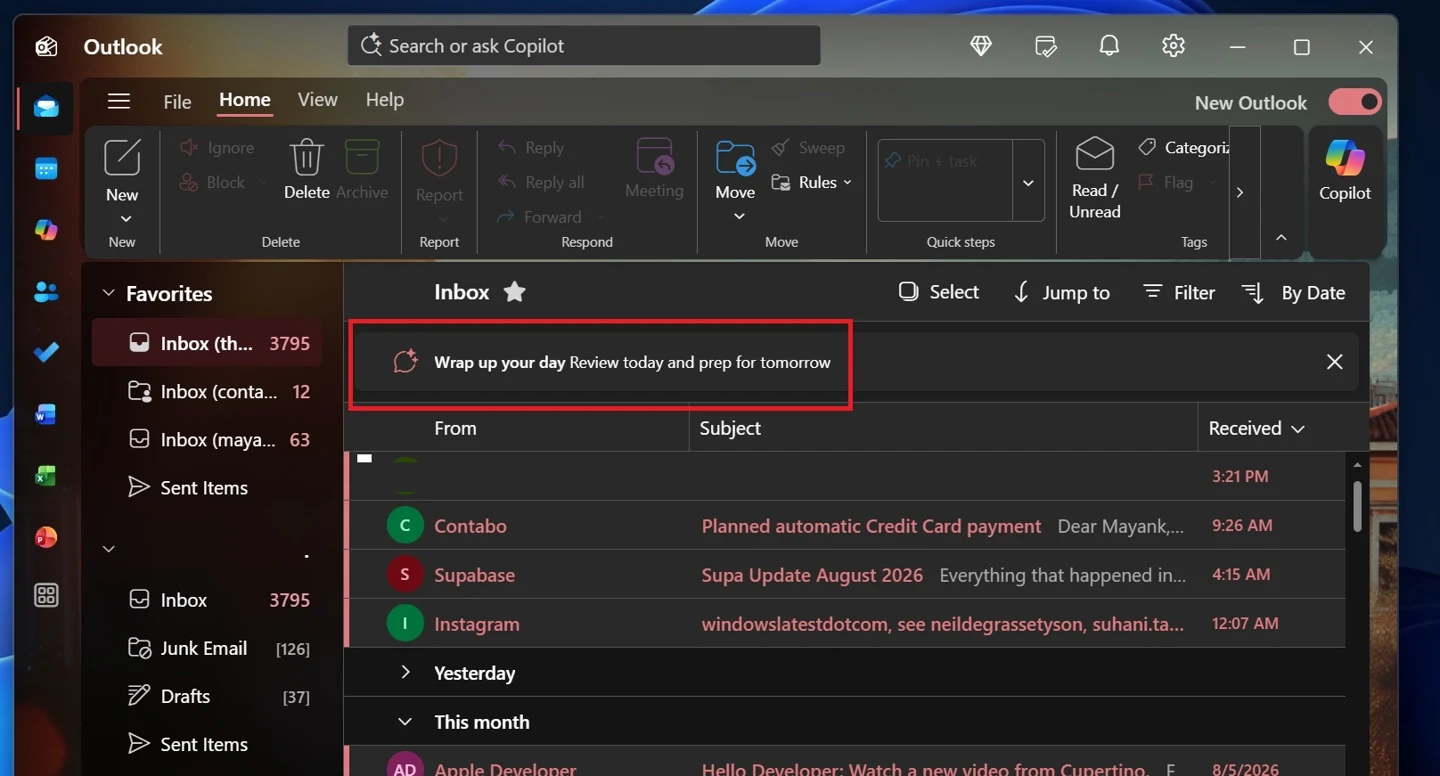
Microsoft will also remove Outlook's "Wrap up your day", a feature that sends a prompt to Copilot to generate a concise inbox summary and displays the result in the right sidebar.
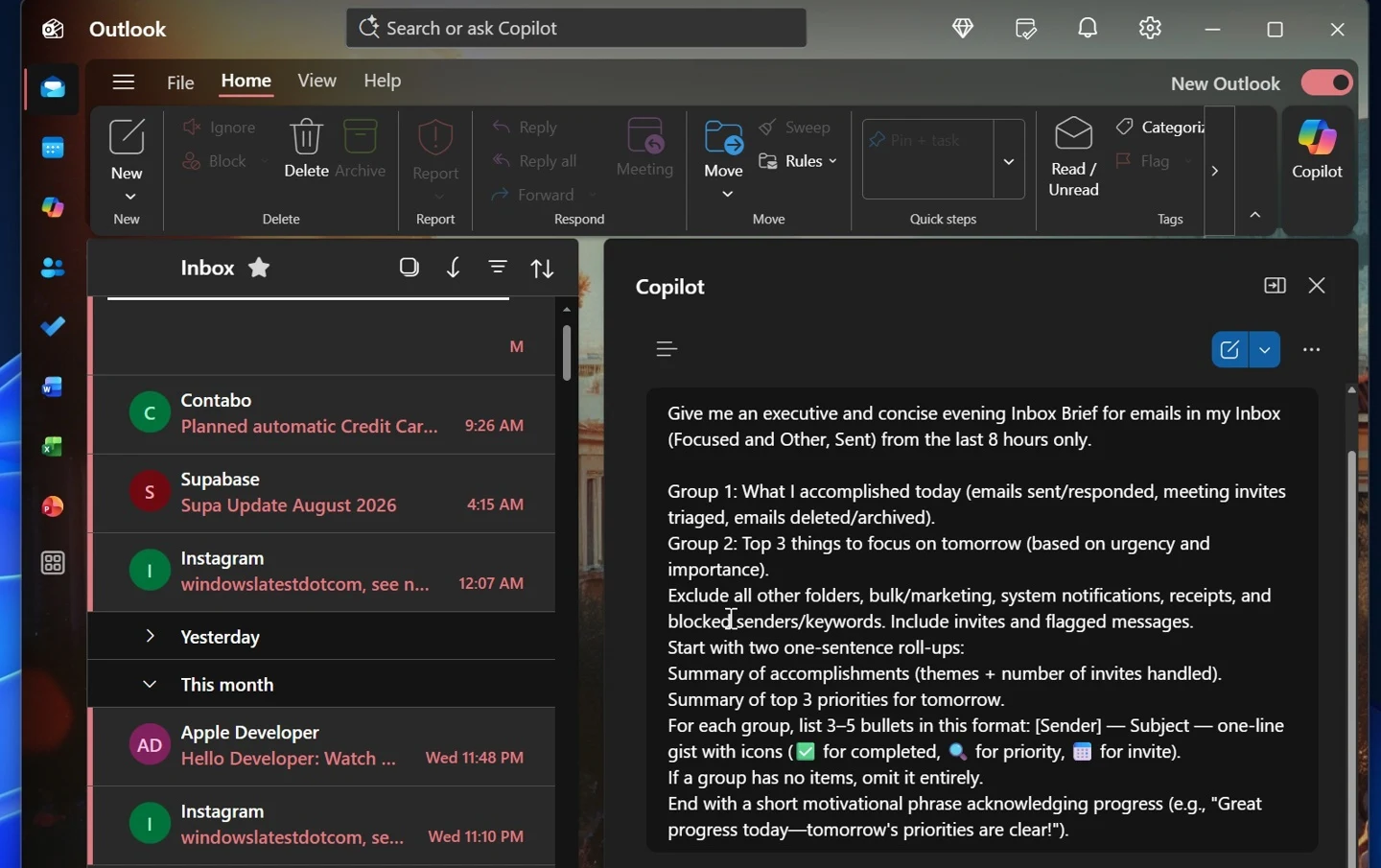
Microsoft also plans to update Outlook's Copilot experience in October 2026, adopting a simplified, chat-centric design, and improving navigation, chat layout, and Work IQ controls.