
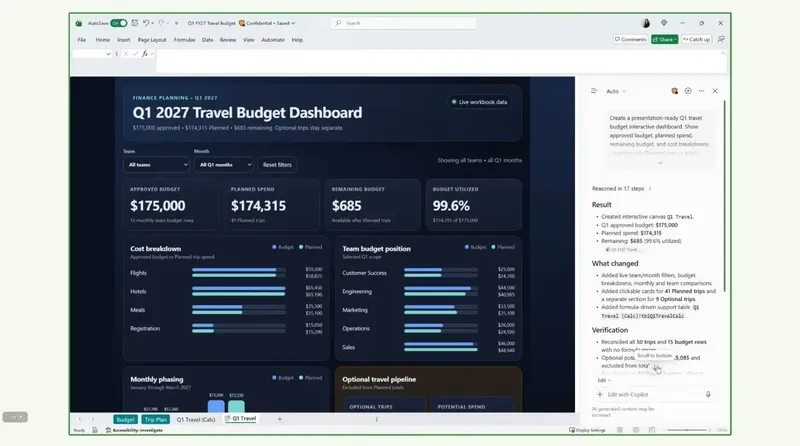
IT之家 News on October 13: Tech media NeoWin published a blog post yesterday (October 12), reporting that Microsoft has launched the Copilot Interactive Canvas for Excel,allowing users to transform workbook data into dynamic, automatically updated interactive reports via natural language prompts.
Users only need to enter a natural language prompt to generate interactive reports such as executive reviews, project updates, or status reports based on existing workbooks. Moreover, the generated canvas stays linked with the Excel workbook, so when the underlying data changes, the report updates automatically without users needing to recreate charts or adjust layouts.
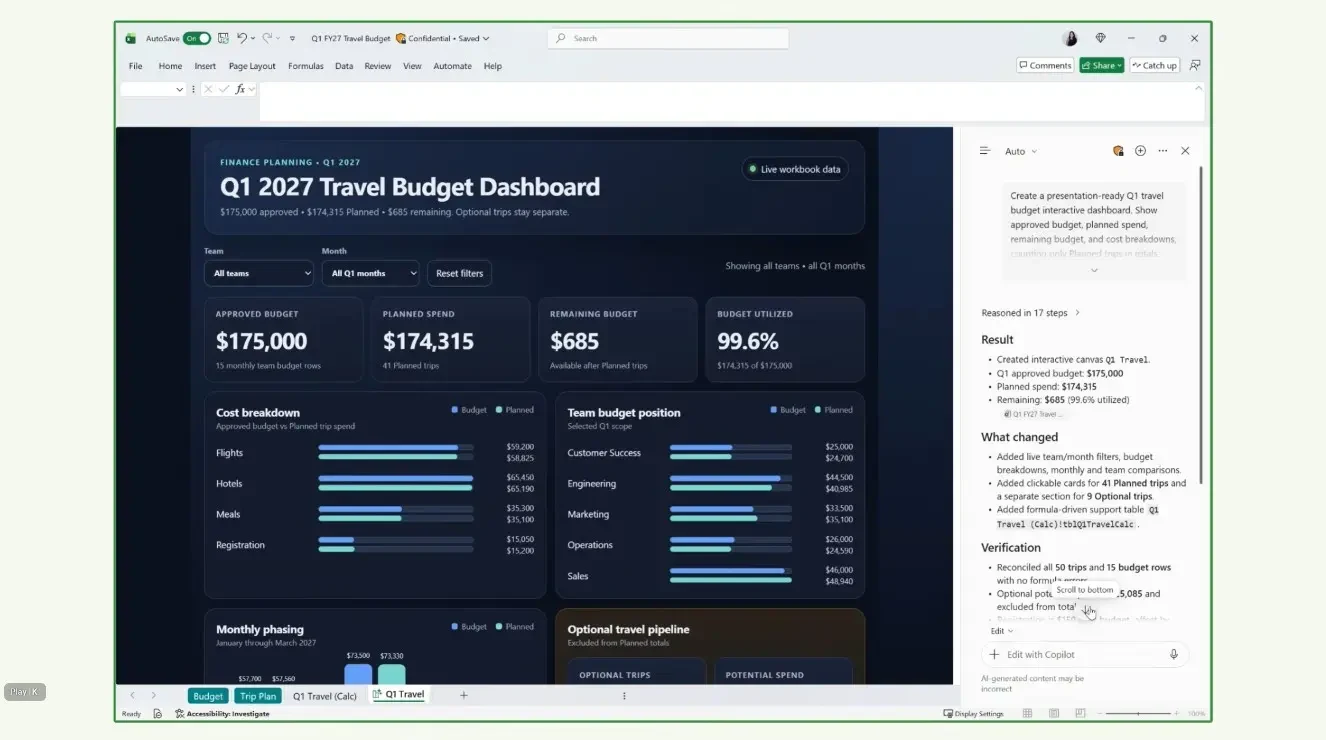
Users can also continue to ask Copilot for modifications, including adjusting the layout, highlighting different insights, or changing how information is presented. The feature is currently available to Microsoft 365 Insiders. IT之家 attaches the relevant demo video below:
Microsoft also announced Skill Builder and Skill Recorder, with Skill Builder officially launching in October (month 10), and Skill Recorder rolling out to Insiders at the end of October (month 10).
Skill Builder allows users to describe workflows through conversation, provide instructions, share past prompts, or submit completed examples, which Copilot converts into reusable skills.
Skill Recorder targets users who cannot clearly describe their processes. After a user demonstrates the steps in Excel, Copilot records the actions and generates a repeatable skill.