
IT Home On October 20, Apple has released the macOS 27.2 RC update (internal version number: 26B118) to Mac users today. This update is 6 days after the last Beta/RC release.
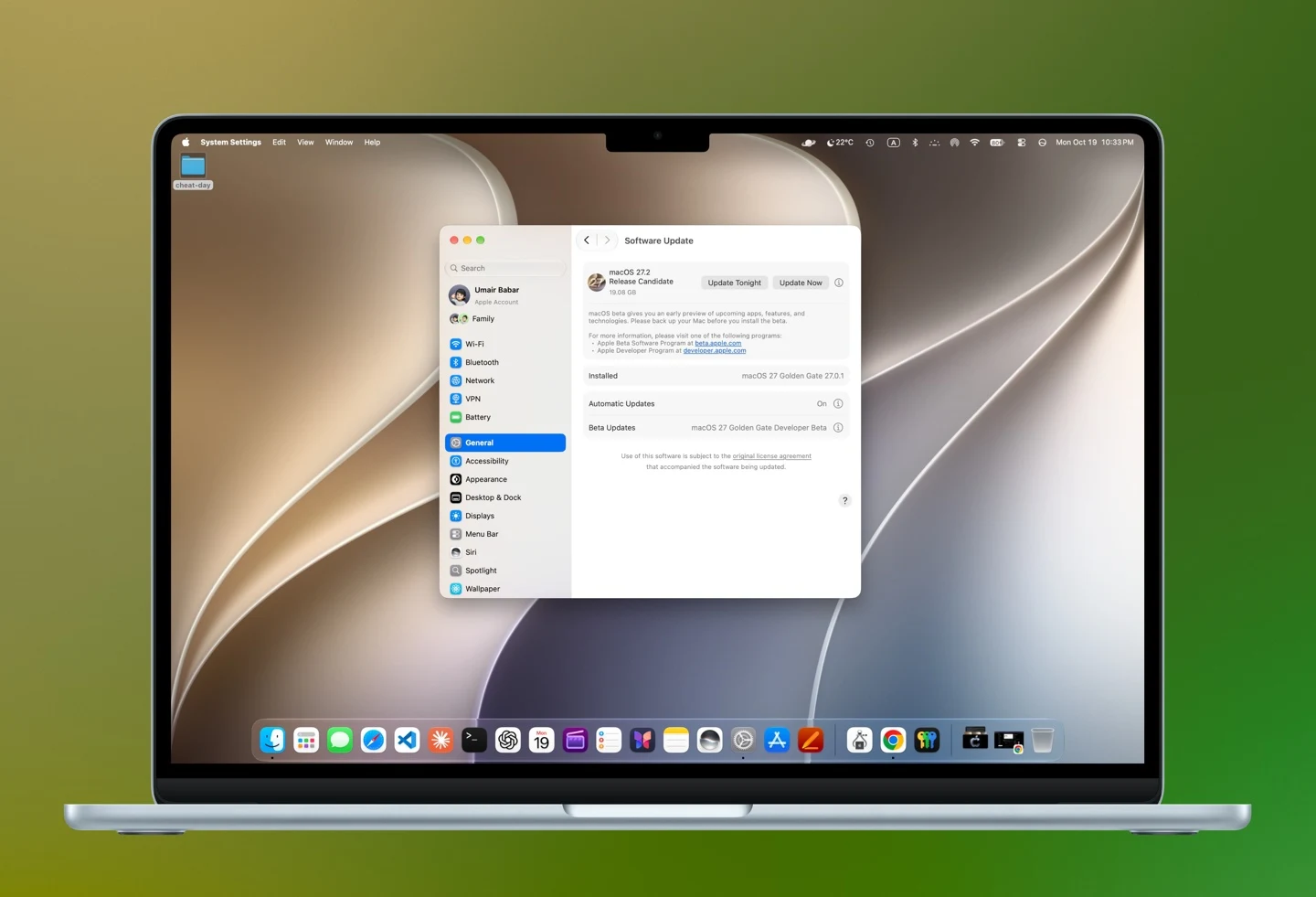
Apple macOS 27.2 RC This time, it mainly brings new language support for Siri AI, updates to the brightness and volume sliders, and changes to the touch gesture implementation at the underlying level for built-in applications. In terms of Siri AI, support for French, Japanese, Korean, Portuguese, and Spanish has been added.
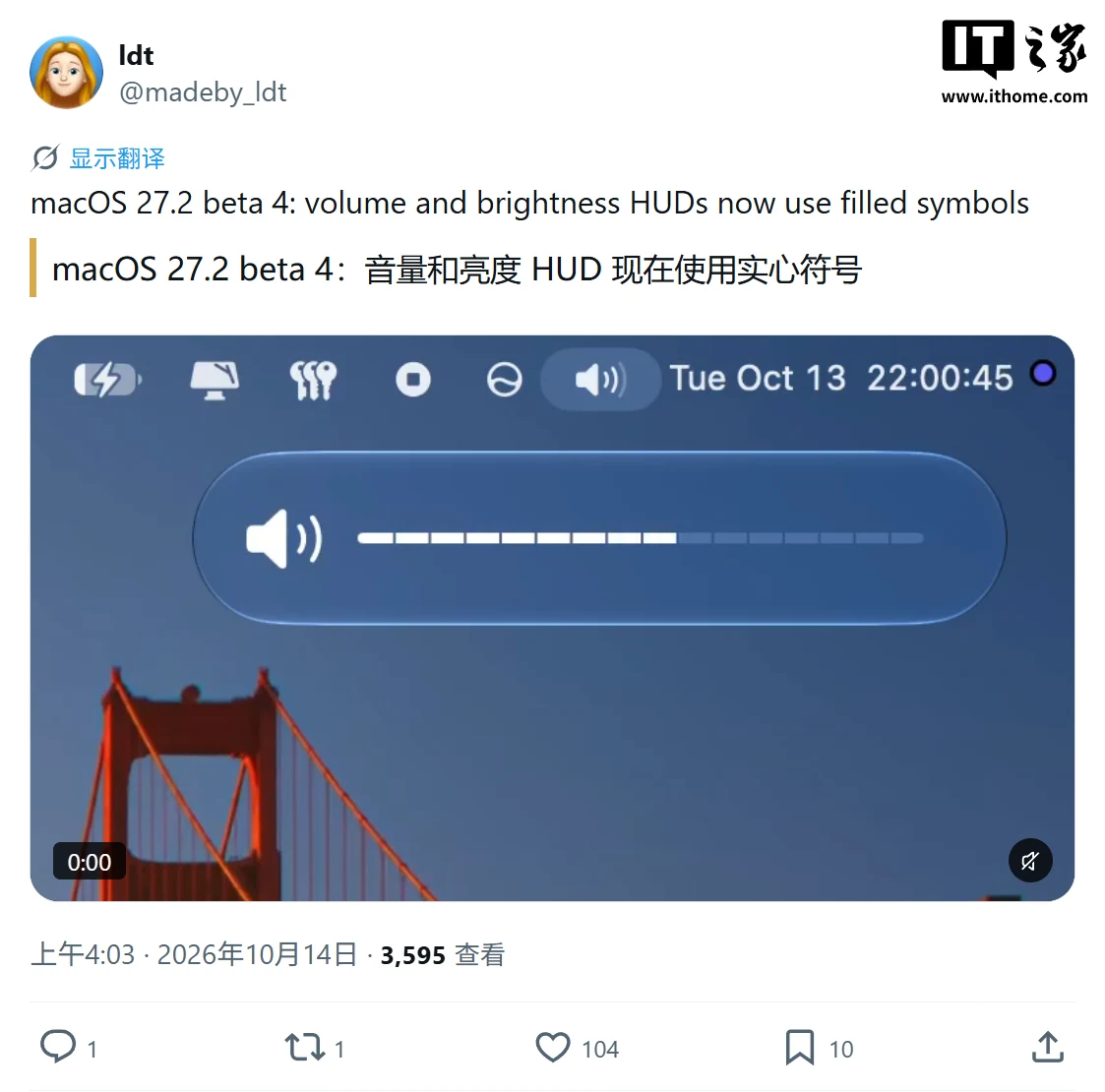
In terms of visuals, Apple has added new brightness and volume sliders, which now use solid symbols.
In addition, internal code for macOS 27.2 shows new touch gesture recognition-related code for applications such as Safari, Notes, Photos, and Quick Look.
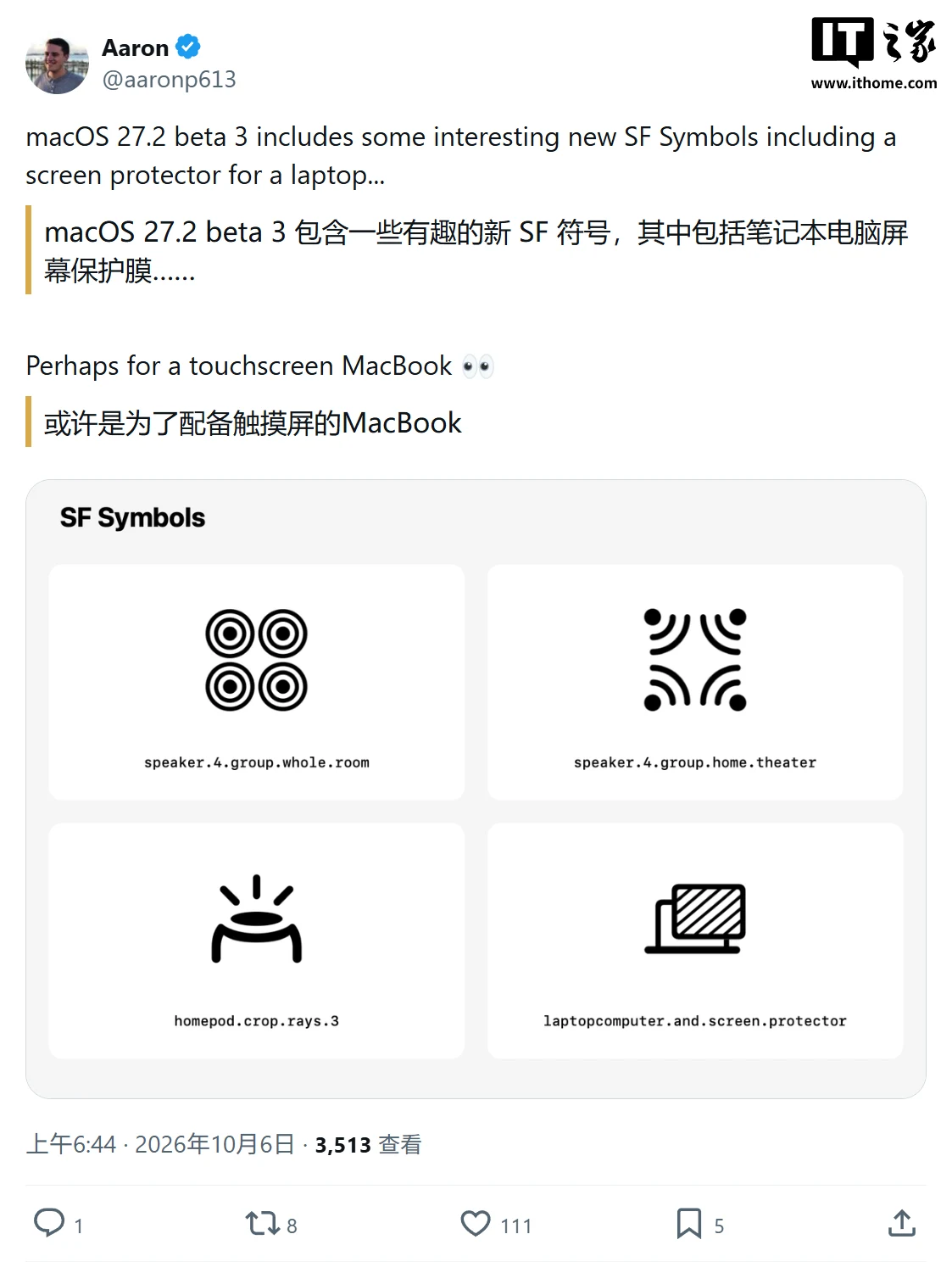
Previously, it was reported that Beta 4 had a problem: some Electron-based applications’ windows would randomly become unable to be dragged, and restarting the Mac could temporarily restore them. However, there is no confirmation yet from the current RC report whether this issue has been fixed.
In addition, Apple has started pushing the third release candidate version (RC 3) of macOS Sequoia 15.8.2 and macOS Tahoe 26.7.2 to developers and beta users. The update description provided by Apple is quite brief, stating that the new versions include “important security fixes” and “it is recommended that all users install them.” The report has not provided specific vulnerabilities, affected components, or details about the fixes.
How to upgrade to the development and beta versions of iOS / iPadOS / watchOS / macOS?
• Public beta version: You need to register for the Apple Beta Software Program, and then upgrade through [Settings][General][Software Update][Beta Version Updates].
• Developer Preview Version: You need to log in and register for the Apple Developer Program, and then upgrade through [Settings] [General] [Software Update].
List of Apple iOS historical firmware downloads:
Apple iOS / iPadOS / macOS firmware download / update logs database
MacOS 27 release history:
If friends from IT Home find more new content, they can share their discoveries in the submission or comment sections ~
Ad statement: The text contains external link pointers (including but not limited to hyperlinks, QR codes, passwords, etc.) designed to provide more information, save selection time, and the results are for reference only. Articles on IT Home that include external links comply with this statement.