
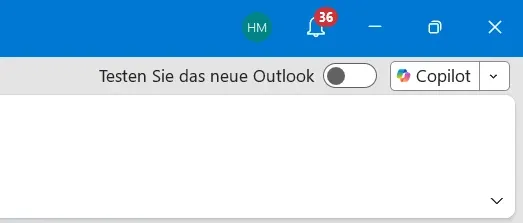
IT Home On October 20, the tech media outlet bleepingcomputer posted a blog post yesterday (October 19) stating that Microsoft has released a patch for the classic version of Outlook to fix the issue where Copilot Chat and the Copilot button disappear.
IT Home reported on September 17 that Microsoft admitted that after the upgrade to Build 20026.20182 and later in the classic version of Outlook, some users with Copilot Chat licenses or paid M365 Copilot accounts may lose access to Copilot Chat and Copilot.
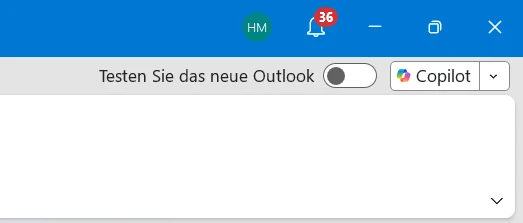
People affected by this will encounter one or more of the following problems:
The Copilot button is missing above the right-top corner functional area.
In the classic version of Outlook, the Copilot icon is missing from the left sidebar or “More Apps” area.
In “Add Application”, Copilot may appear as an available application, but selecting “Open” produces no reaction.
After adding the Copilot feature through functional area customization, this command may appear unavailable or grayed out.
Regarding the root cause of the issue, Microsoft stated that the problem arises because Outlook fails to retrieve the required account information from the user configuration file. Since the absence of the Copilot button may be related to licensing, Microsoft 365 application configuration, update channels, privacy settings, and other environmental factors, Microsoft recommended that affected users still use the official Copilot troubleshooting tool and look for and enable the missing Copilot button in the Microsoft 365 application.
For users who still do not see the Copilot button, Microsoft provides a temporary solution: in the classic version of Outlook, go to “File > Options > Advanced”, and under “Outlook Pane”, select “Show Copilot in Outlook”. Users can also use the new version of Outlook or Outlook Web App to access Copilot.
Related Reading: