
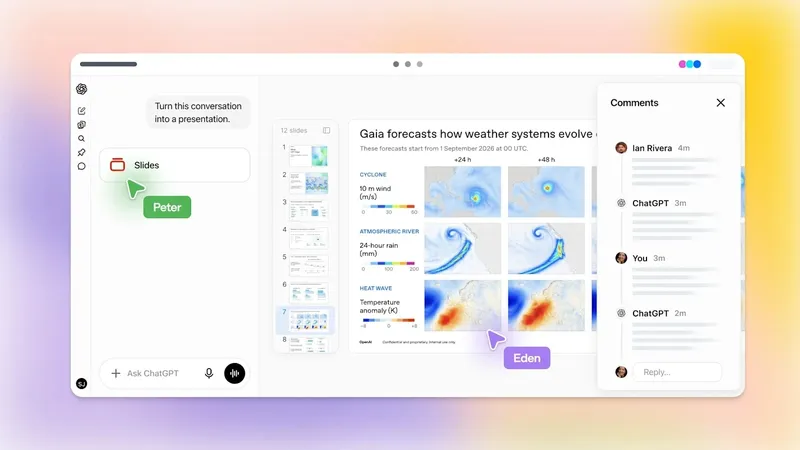
IT Home On October 20, OpenAI released ChatGPT Space last month, which includes tools such as Pages, Slides, and Sheets. The company said at that time that Slides and Sheets would be launched later. A few weeks later, OpenAI finally introduced the Slides tool in ChatGPT.
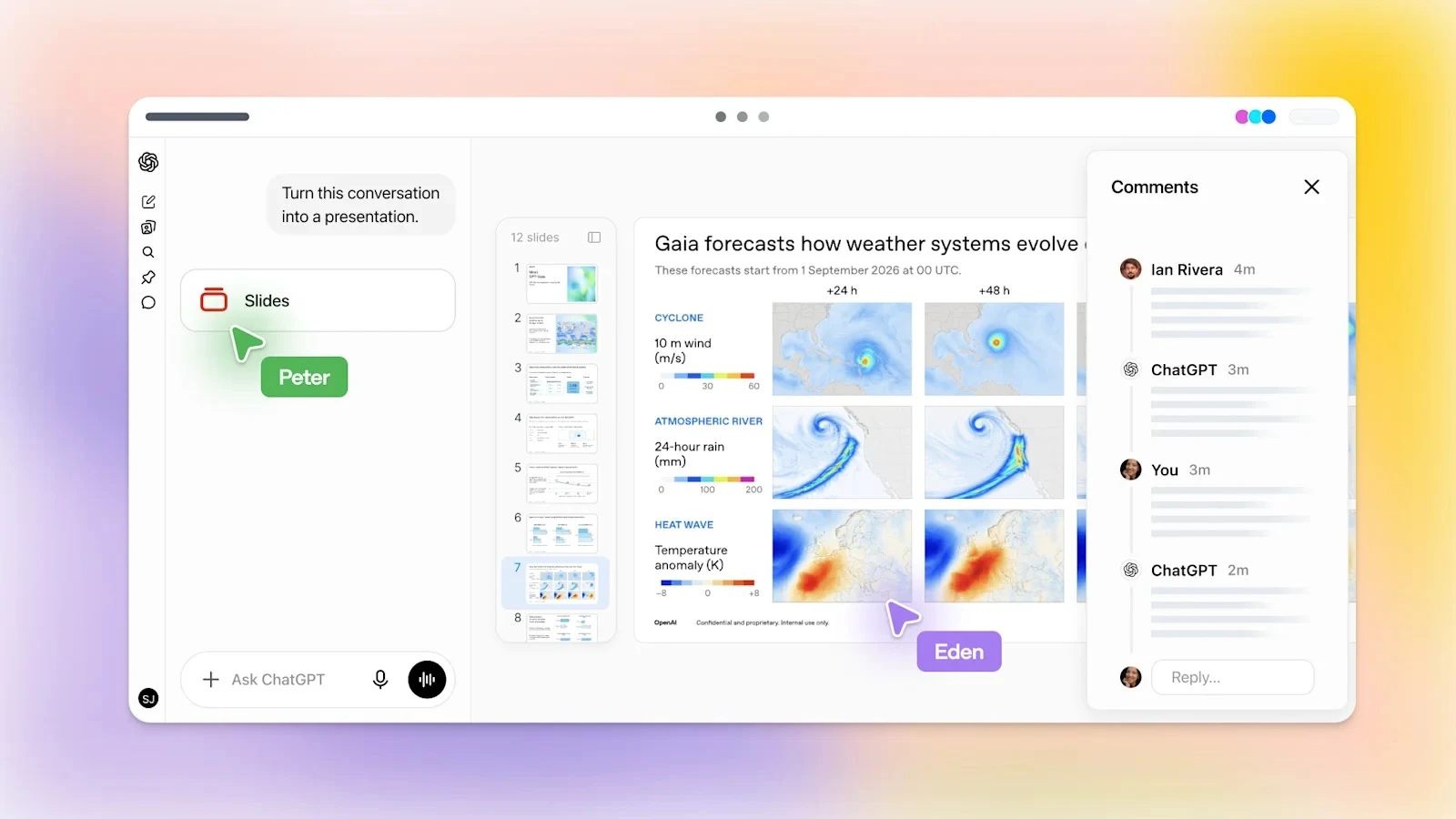
The ChatGPT official account posted on the X platform, announcing several ChatGPT Slides features that are now available. Users can now let ChatGPT generate presentations based on conversation content, upload files or outlines, or directly use various built-in templates to create them.
After the presentation is generated, users can share it with the team just like in Google Slides. The invited users can edit the presentation in real time, modify content, and leave comments and feedback. Users can also instruct ChatGPT to automatically adjust the slides based on the team’s feedback.
Once the presentation is created, it can be opened directly in software such as PowerPoint and Google Slides. It also supports exporting to a PDF or PowerPoint file for download.

IT Home notes that ChatGPT Slides are now available for users of the Pro, Business, and Enterprise plans. Users with the appropriate permissions can simply give instructions to the AI assistant, such as “create ChatGPT slides based on a file / conversation”, and then start using it. Users of ChatGPT Plus cannot use this feature at present. Slides are part of the ChatGPT Space, and the ChatGPT Space is available only to Pro, Business, and Enterprise users; therefore, Plus users cannot use it for now.