
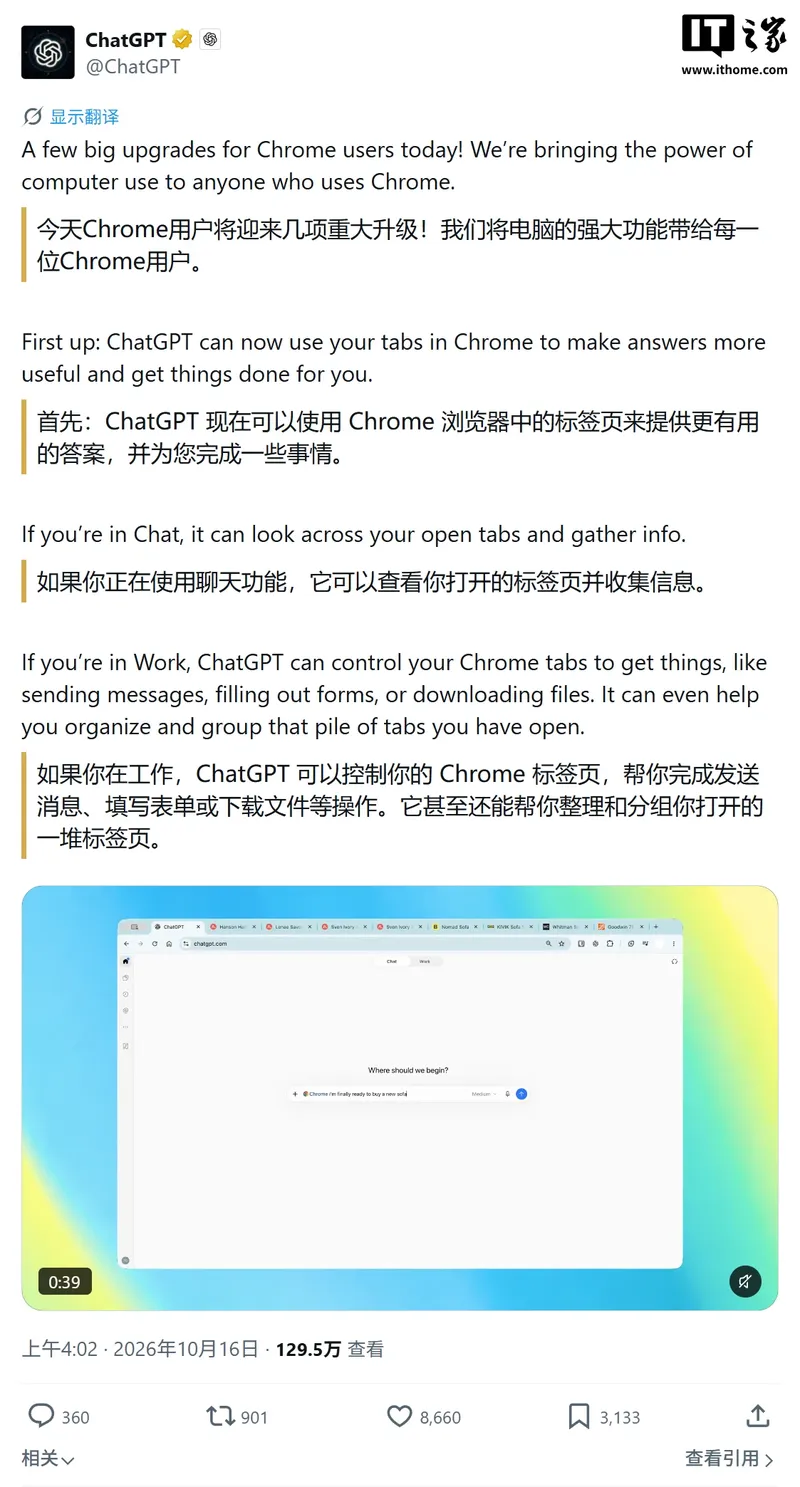
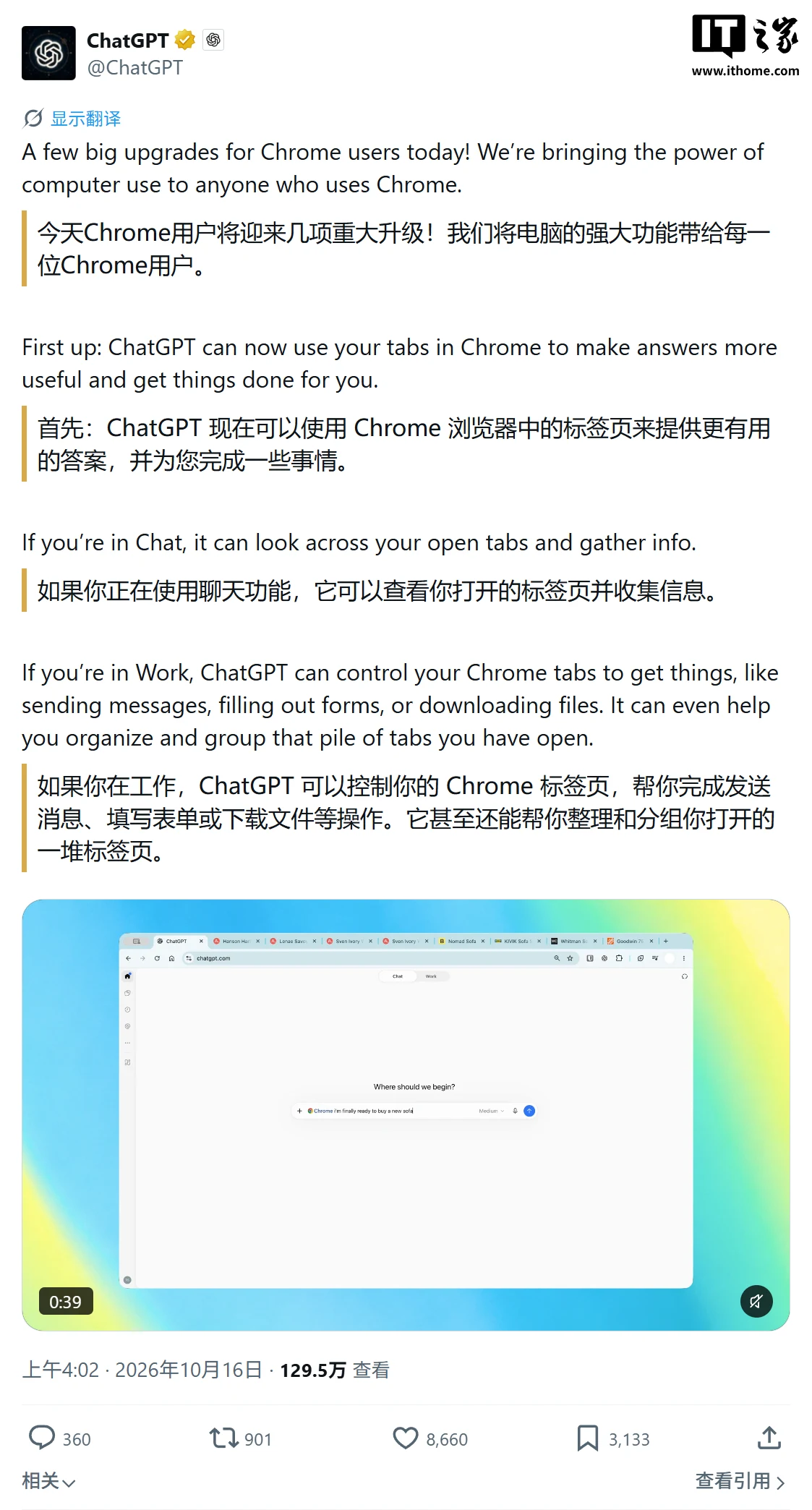
IT之家 News on October 17: OpenAI updated the ChatGPT for Chrome extension (version 1.26.1005.11759) on October 15. ChatGPT can now read multiple tabs already open in the Chrome browser,and answer questions, organize information, or complete cross-page tasks based on the content of these web pages. The feature is available to all users, regardless of whether they subscribe to a paid service.
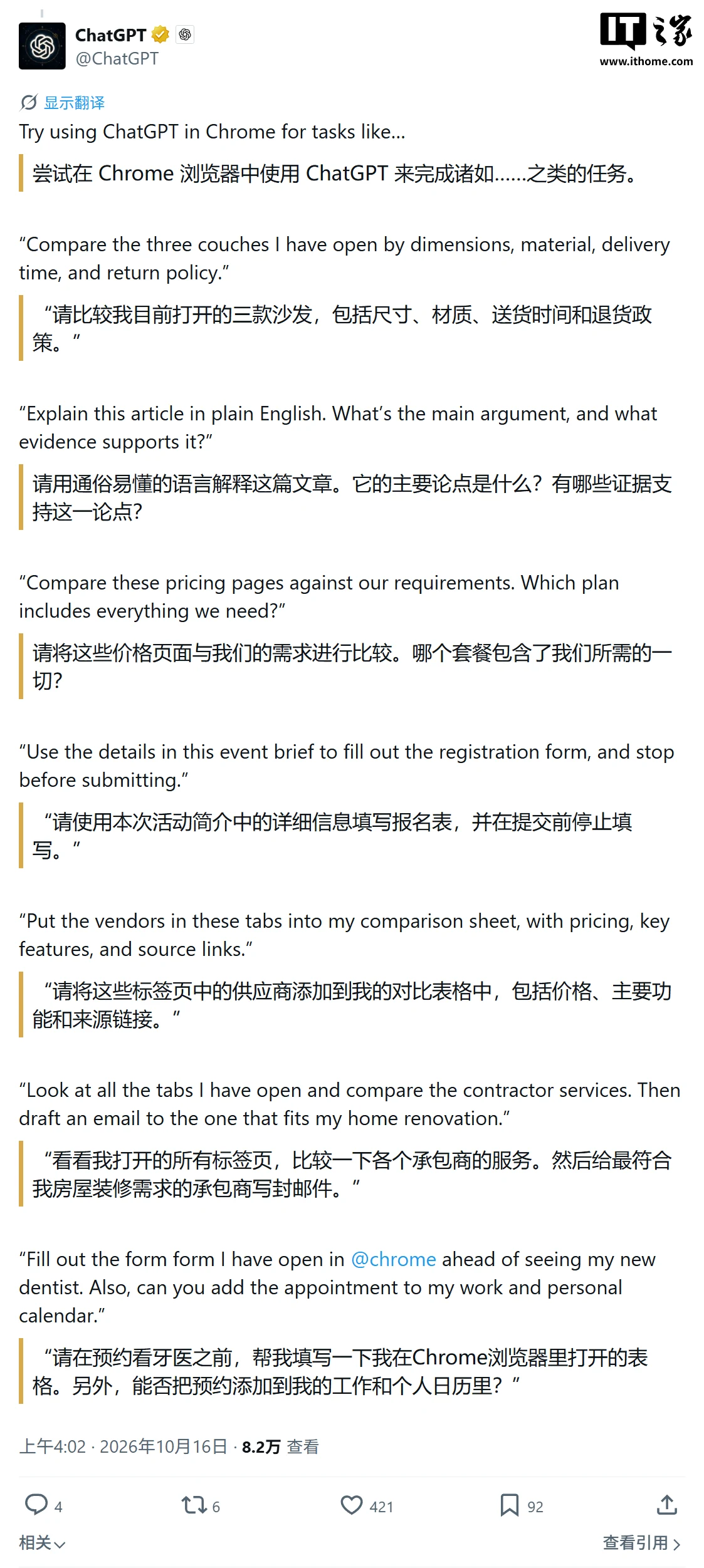
After a user invokes the browser in a chat, ChatGPT can use the currently open web pages as context, for example to compare multiple product pages, summarize multiple documents, or analyze work documents.
According to a blog post cited by IT之家, this update also introduces stronger "act" capabilities. In Work mode, ChatGPT is no longer limited to reading web pages; after receiving authorization, it can control tabs to help users fill in forms, send messages, download files, and organize and group tabs.
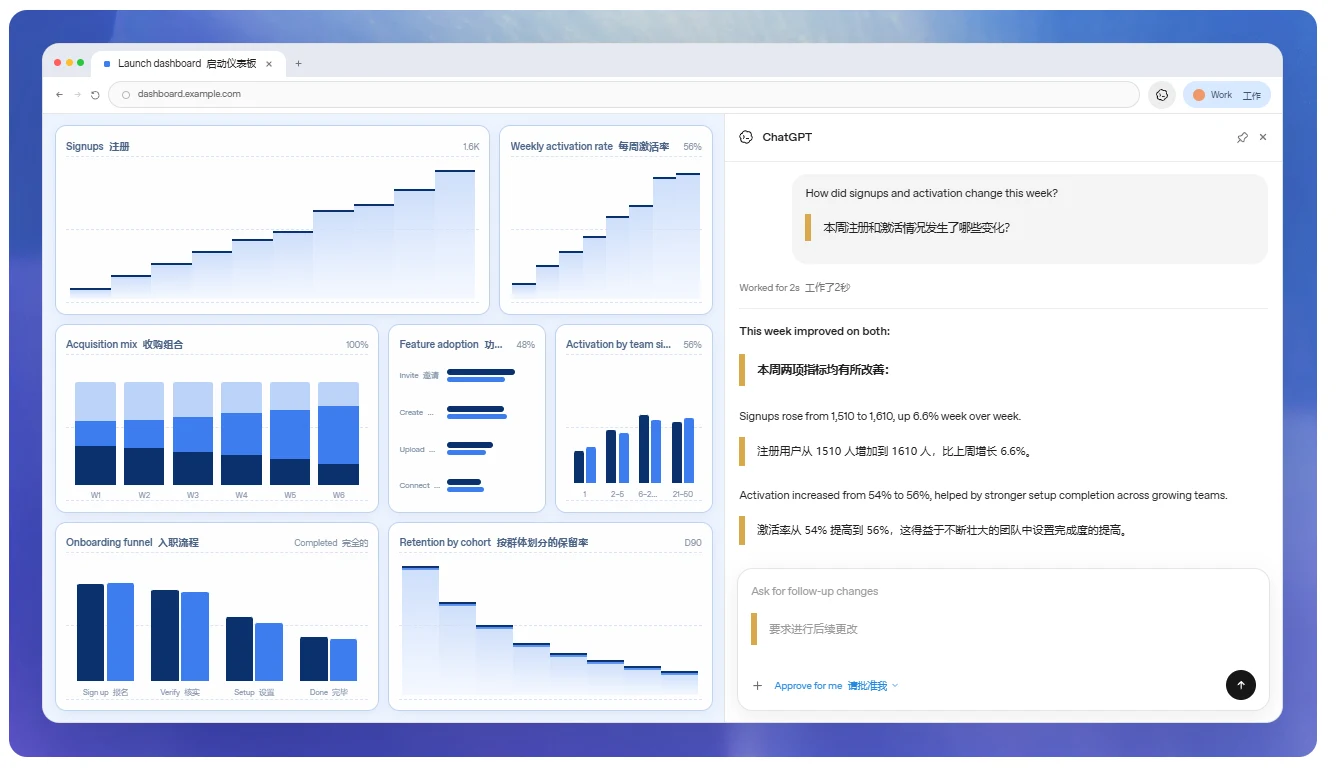
Because the extension runs in the browser profile the user normally uses, it can reuse the login state of websites the user is already signed into, and thus directly assist with workflows in scenarios such as Gmail, LinkedIn, Salesforce, or internal enterprise tools.
However, the convenience comes with greater permission requirements. After installing or enabling the relevant capabilities, Chrome may ask the extension to read and modify website data, access page debugging tools, manage tabs and downloads, and even read bookmarks, browsing history, or display notifications.

OpenAI said these permissions are necessary for ChatGPT to operate the browser, but users can still control its scope of access through per-site authorization, allowlists, blocklists, and other means.
By default, ChatGPT requests confirmation before touching each new website, and users can choose "Allow once", "Always allow for this site", "Always allow for all sites", or decline. Among these, "Always allow for all sites" is flagged by OpenAI as a higher-risk option; browsing history and file uploads and downloads also require separate authorization.